Golden Group · Launched
Building a premium website for Golden Group's home and industrial buyers
Golden Group has built in Bharuch, Ankleshwar and Surat since 2005. They're opening in Bangalore, where nobody has heard of them yet, so the website is the first thing a buyer sees.
Overview — Designing a real estate site for a developer moving from Gujarat to Bangalore
Golden Group has been building since 2005. Eleven completed projects across three cities, around ten million square feet. They had a site already, but it didn't carry enough for a buyer in a city where they haven't built anything yet.
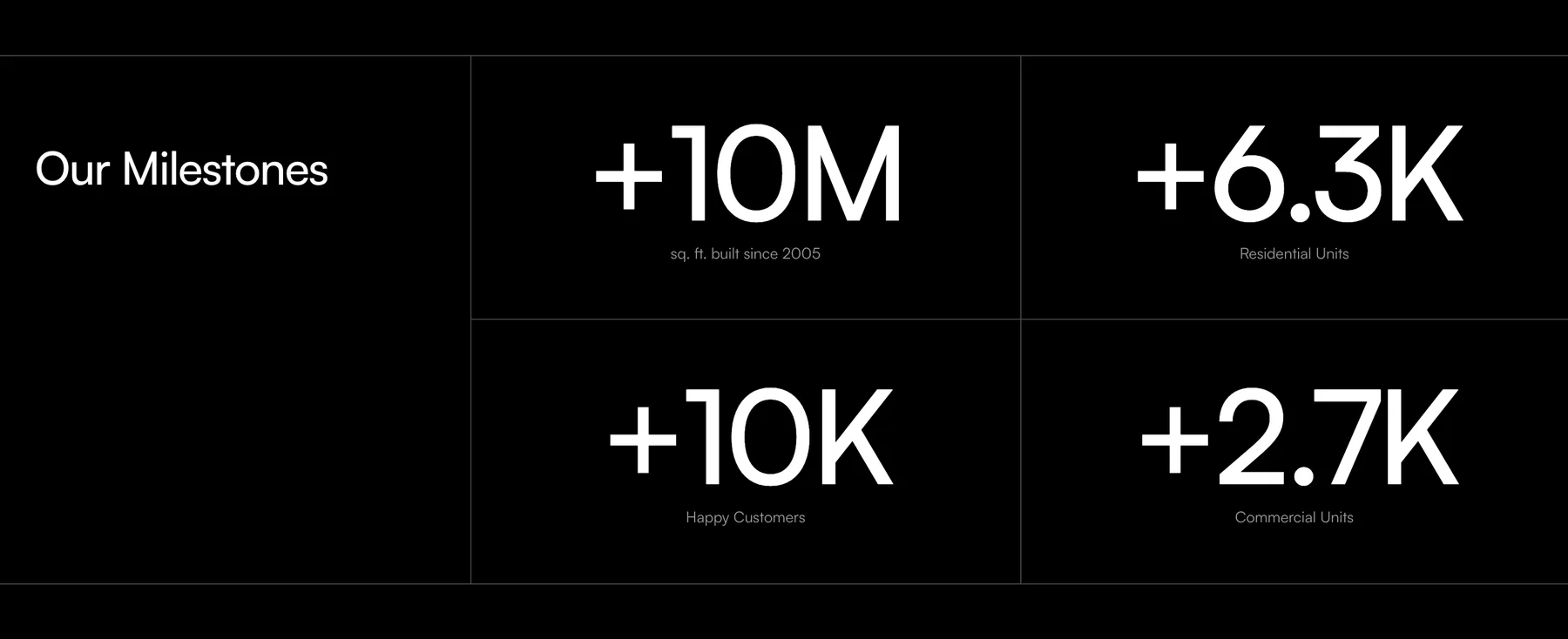
The About page leads with the numbers from Gujarat, since that's what a Bangalore buyer has to go on.
Structuring the Catalog — Combining commercial and industrial into one division
It started as three divisions: residential, commercial and industrial. Industrial had one project in it. A division that thin reads as a gap, so commercial and industrial became one and residential stayed on its own. The homepage is that split.
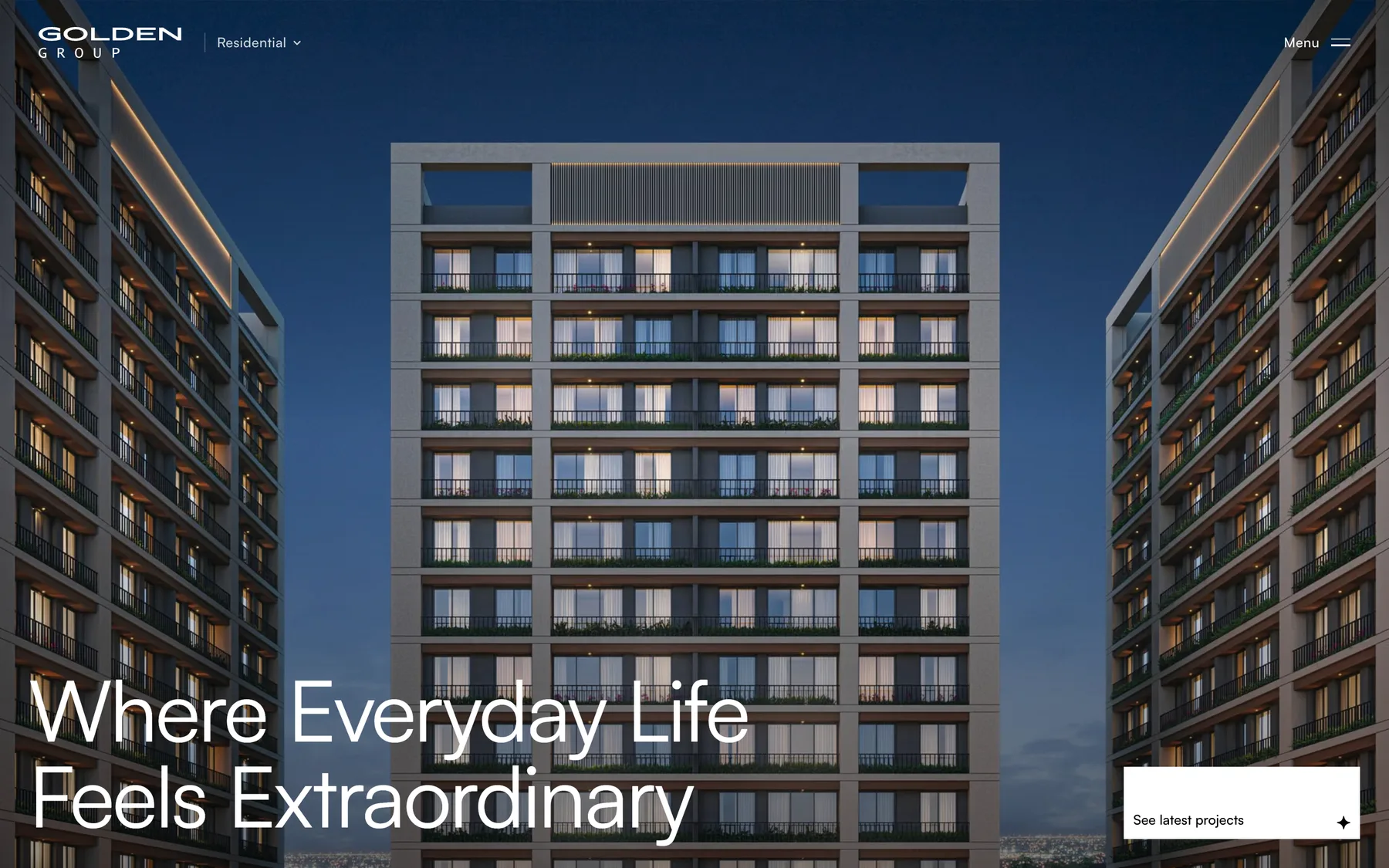
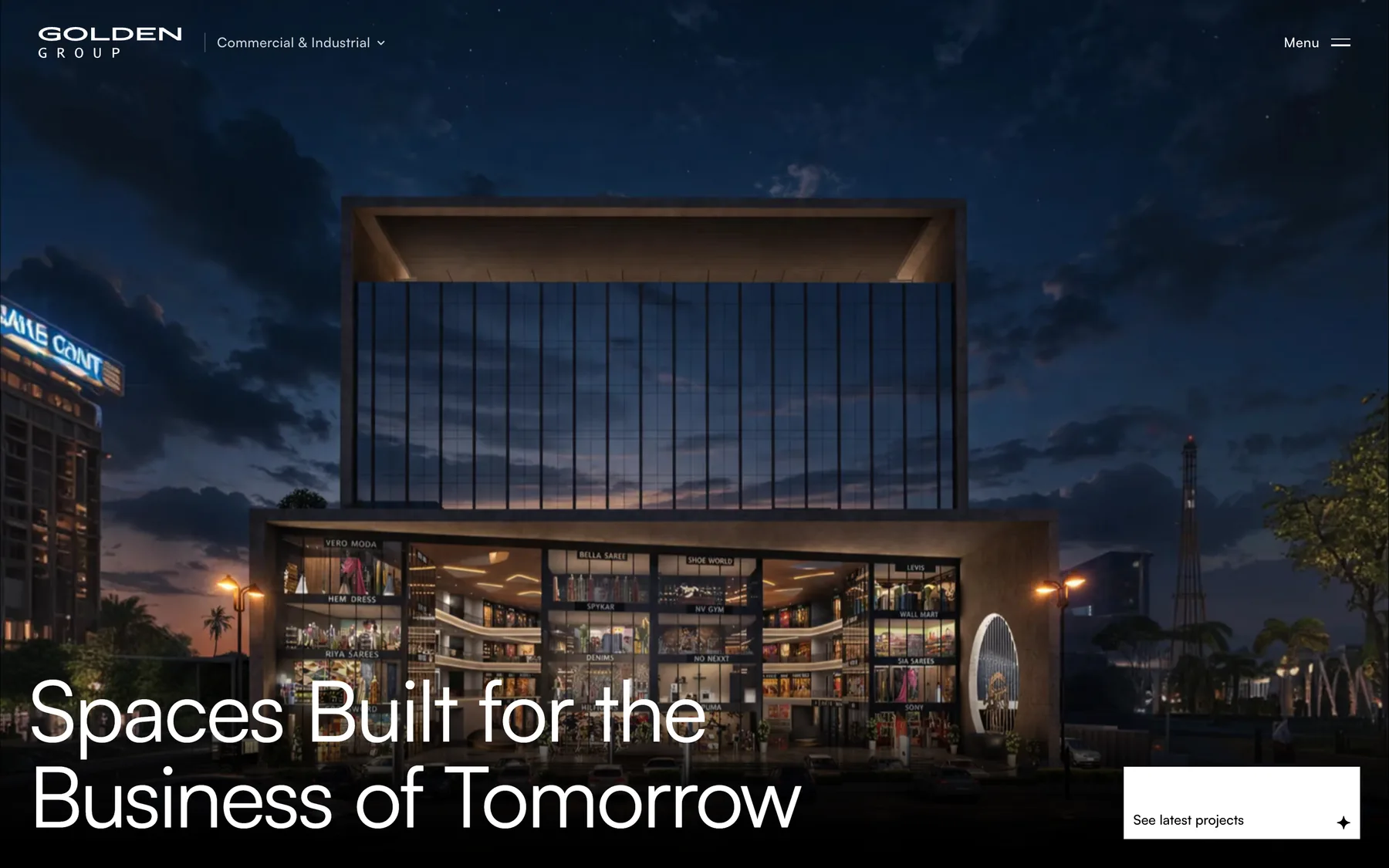
Each division gets its own landing page and its own catalog.
Core Flows — Browsing eleven projects by type and city
There are two ways in. Someone new follows a division through its landing page. Someone who already knows what they want goes straight to Projects and filters by type and city, in a list or a gallery.
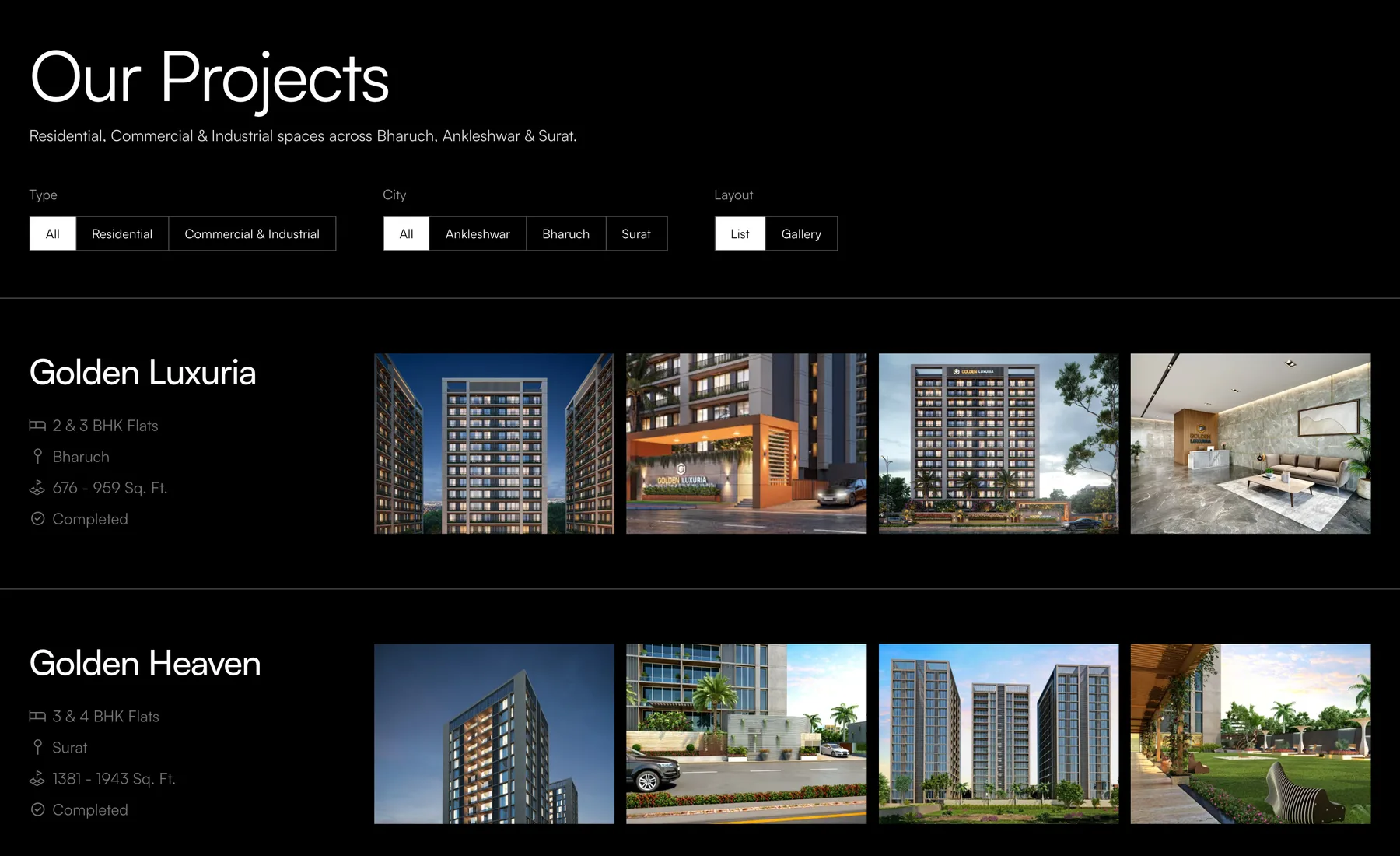
Eleven projects isn't many, so the filters stay on the page instead of hiding behind a control.
Project Pages — Ordering the sections on a project page
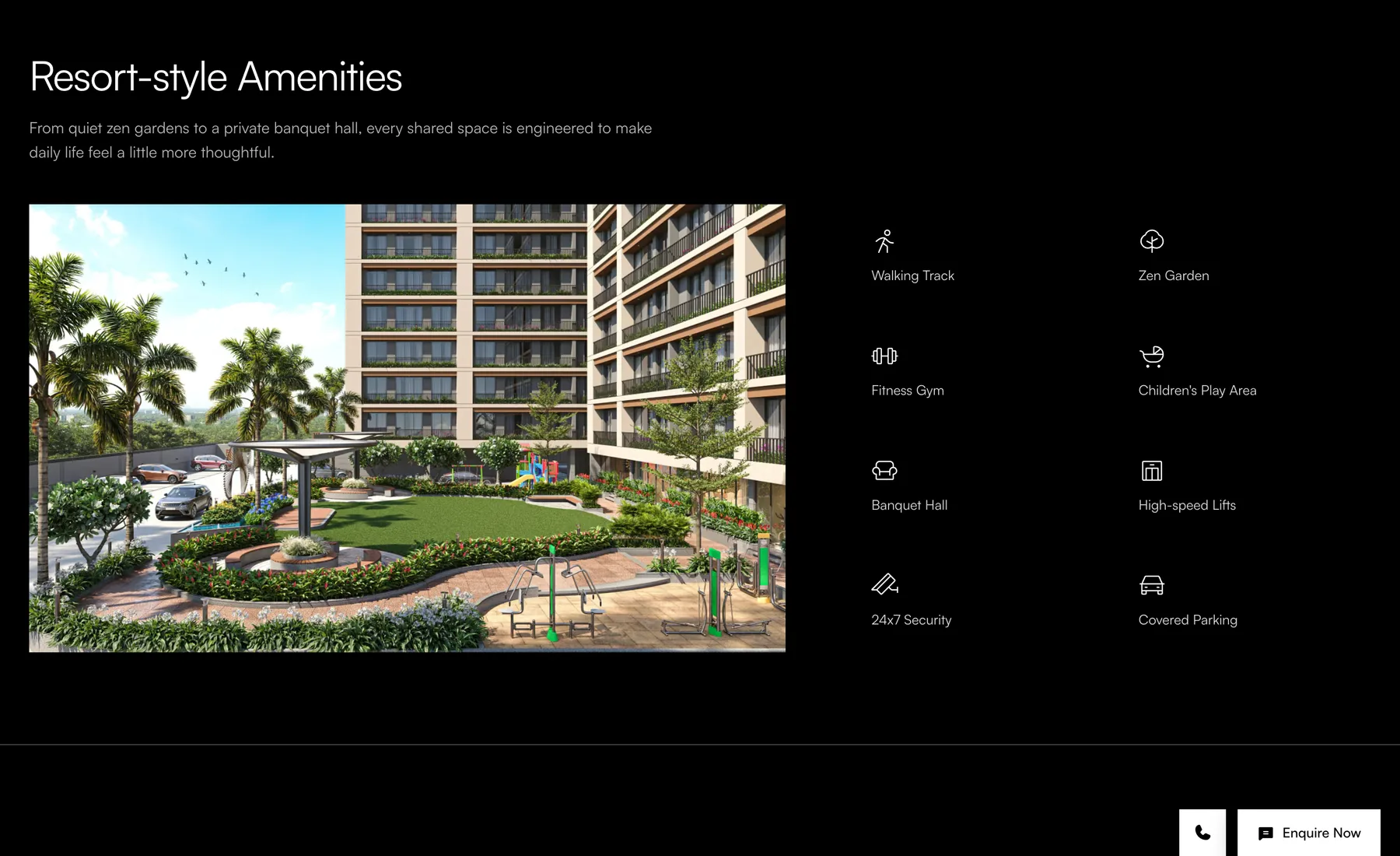
I went through other developer sites to see what a project page usually holds, then set the order around what a buyer checks. The brochure and the key details come first, then amenities, floor plans, gallery, specifications, location and a walkthrough. A sticky nav jumps between them.
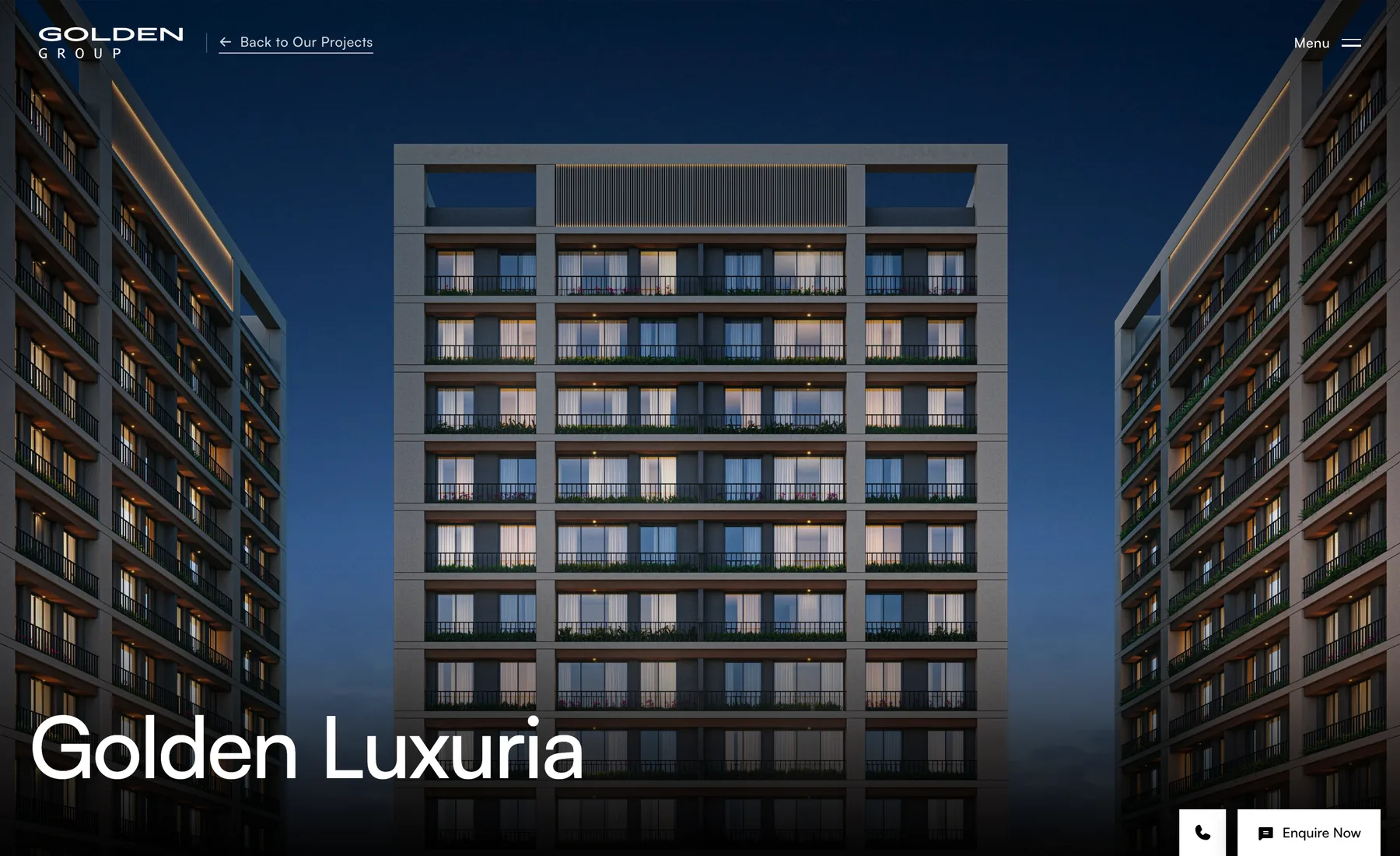

The RERA number sits in the first band with its registration date, because that's the first thing a buyer checks.
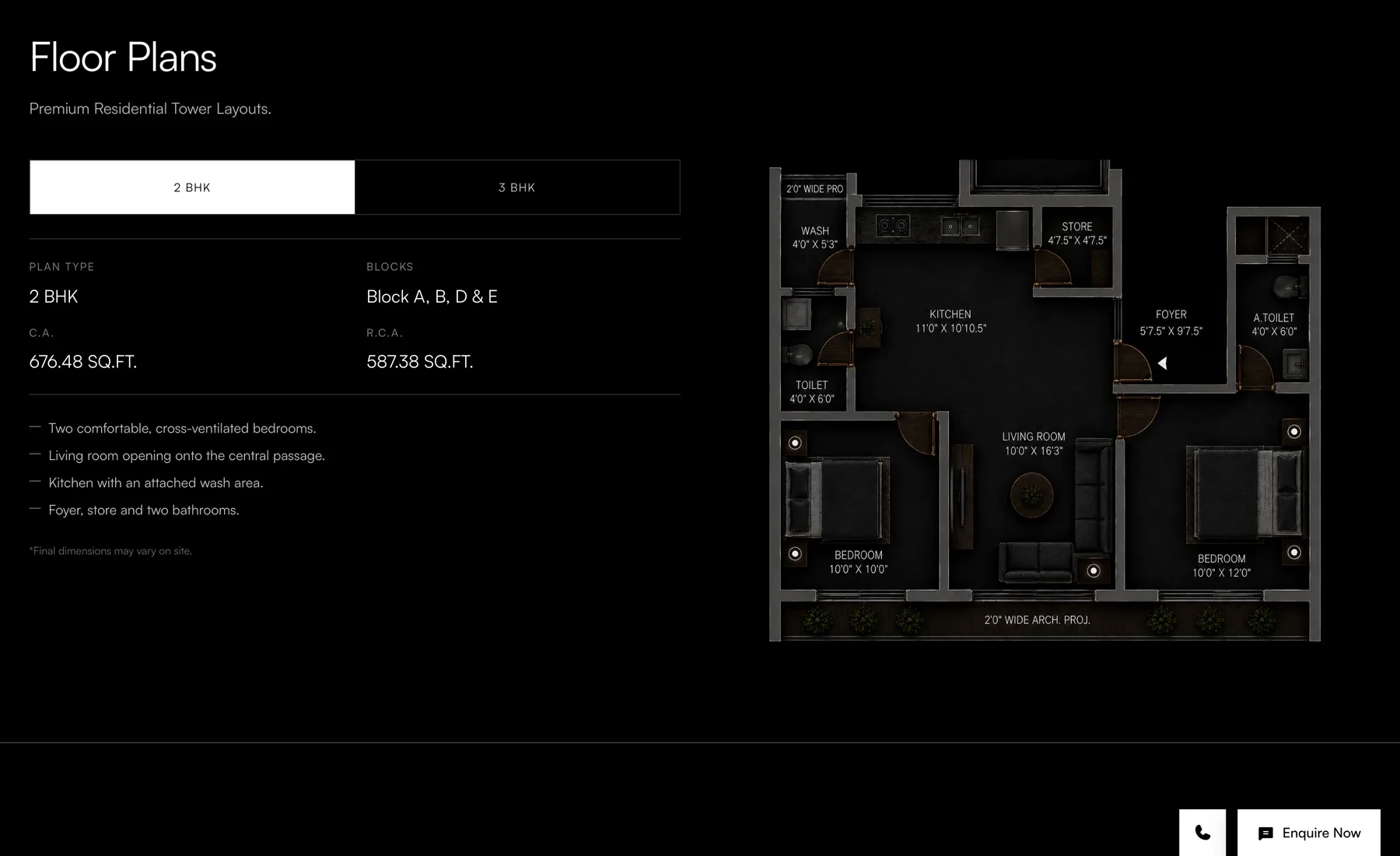
Each plan carries its carpet area and a short description of the layout, so the drawing isn't the only thing doing the work.
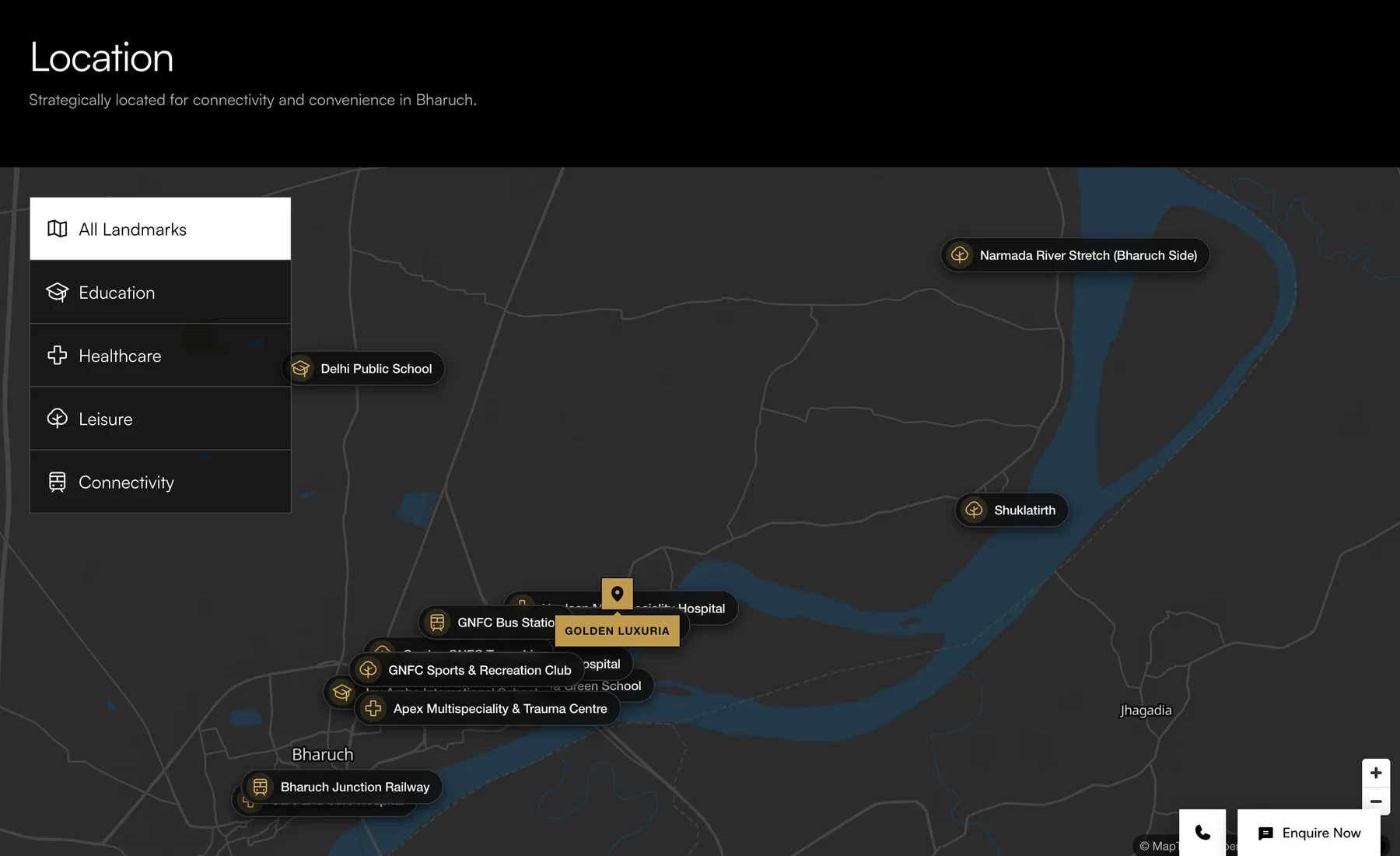
The map is interactive. Picking a category zooms to those landmarks, so a buyer can check what’s nearby without leaving the page.
Build and Handoff — Designing templates for eleven projects to fill
I designed the templates and the team built from them. One homepage, two division landings, one catalog and one project page, so all eleven projects sit in the same structure.
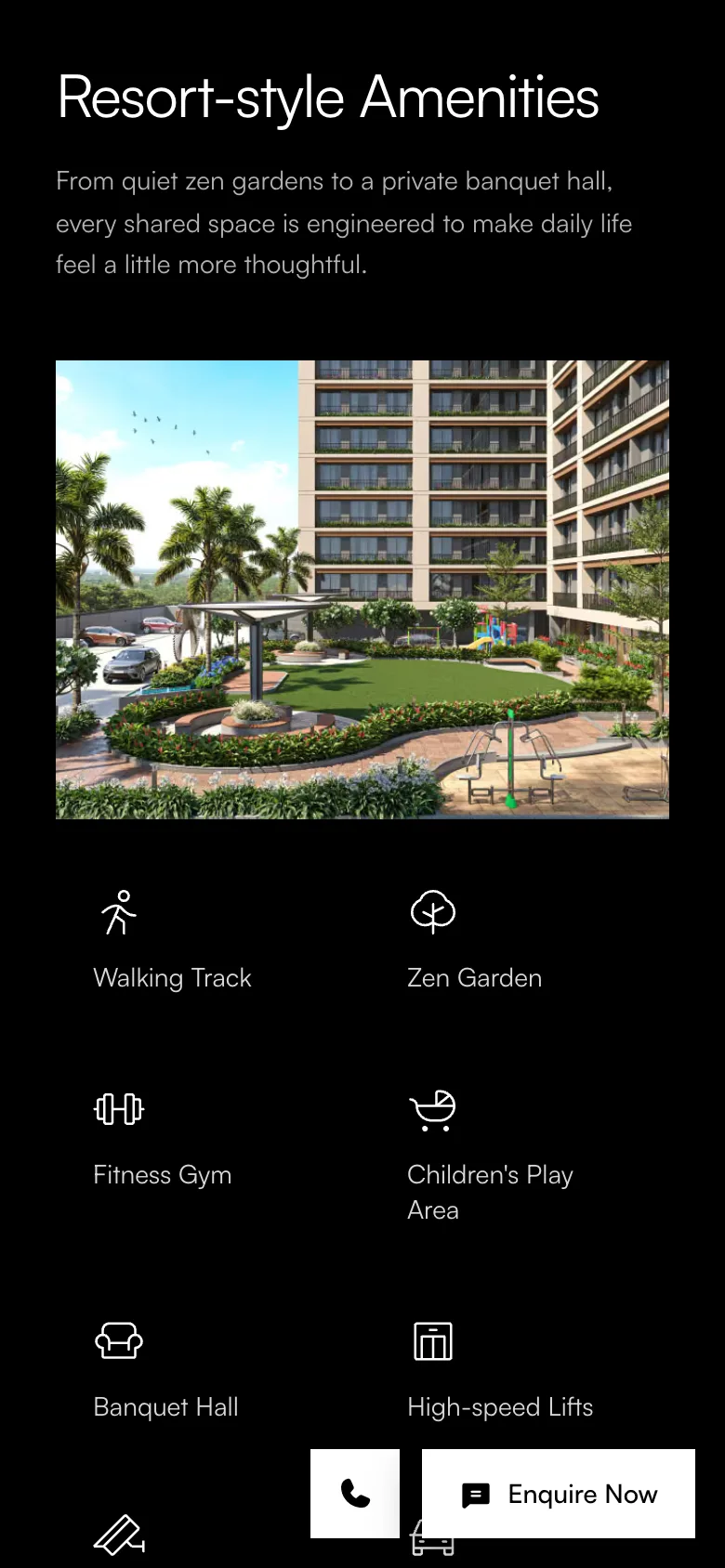
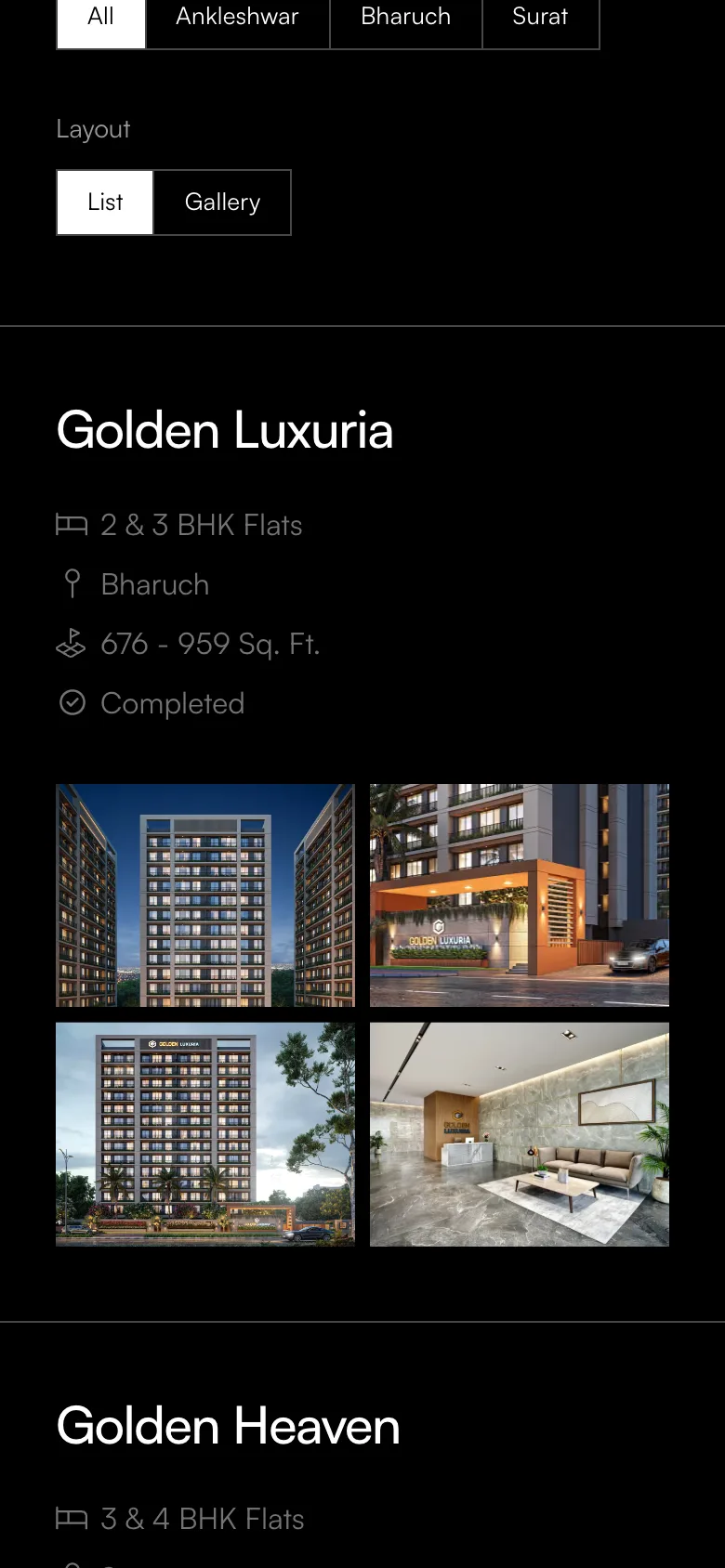
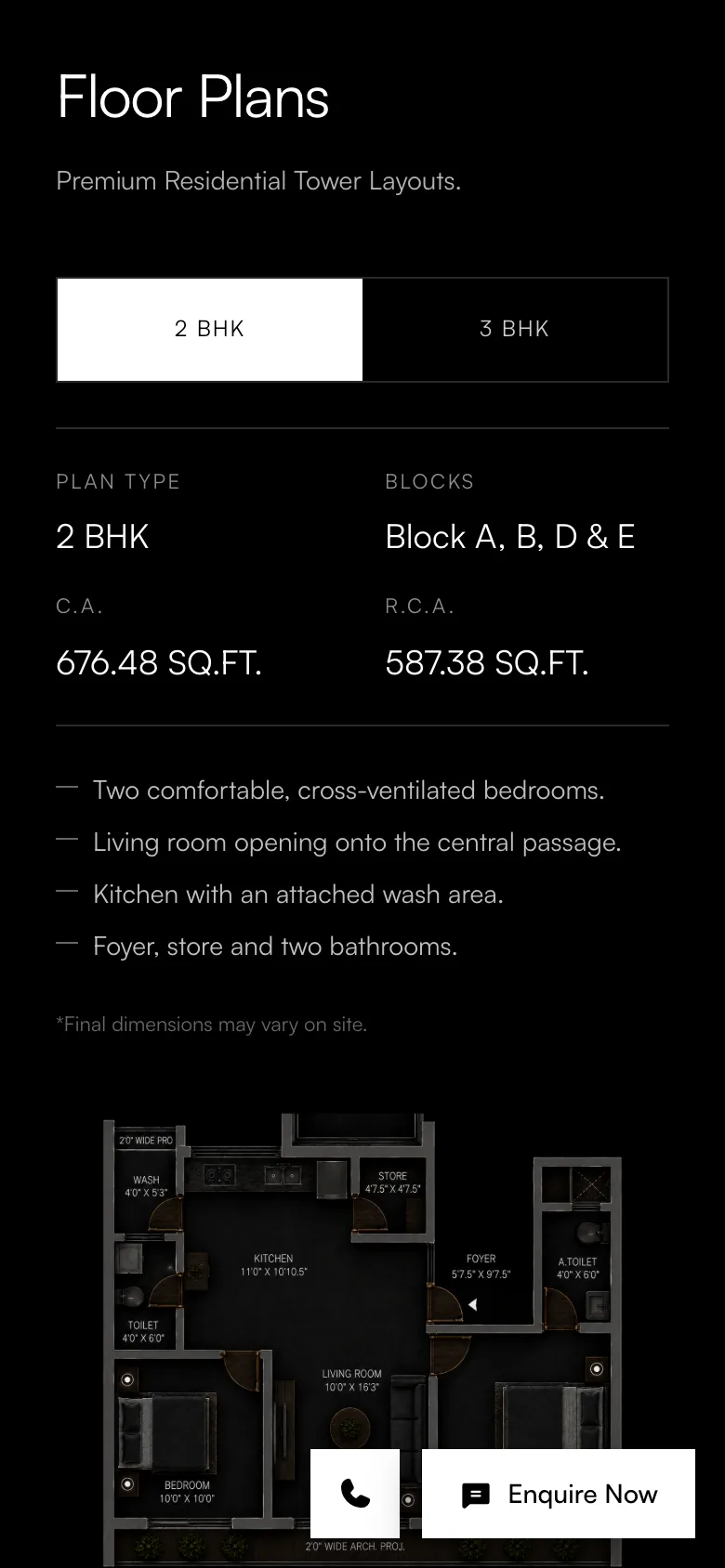
Every template was designed to be responsive, so the same structure works on a phone.
Reflections — What I learned
Designing the project page took the longest. The company had been building since 2005 and had a site that showed it, with the information spread around and no fixed order to it. Working out what goes on the page, and in what order, was most of the job.
The brief was modern and minimal. Keeping it clean came down to giving each section room and putting fewer things inside it.